Space Scout

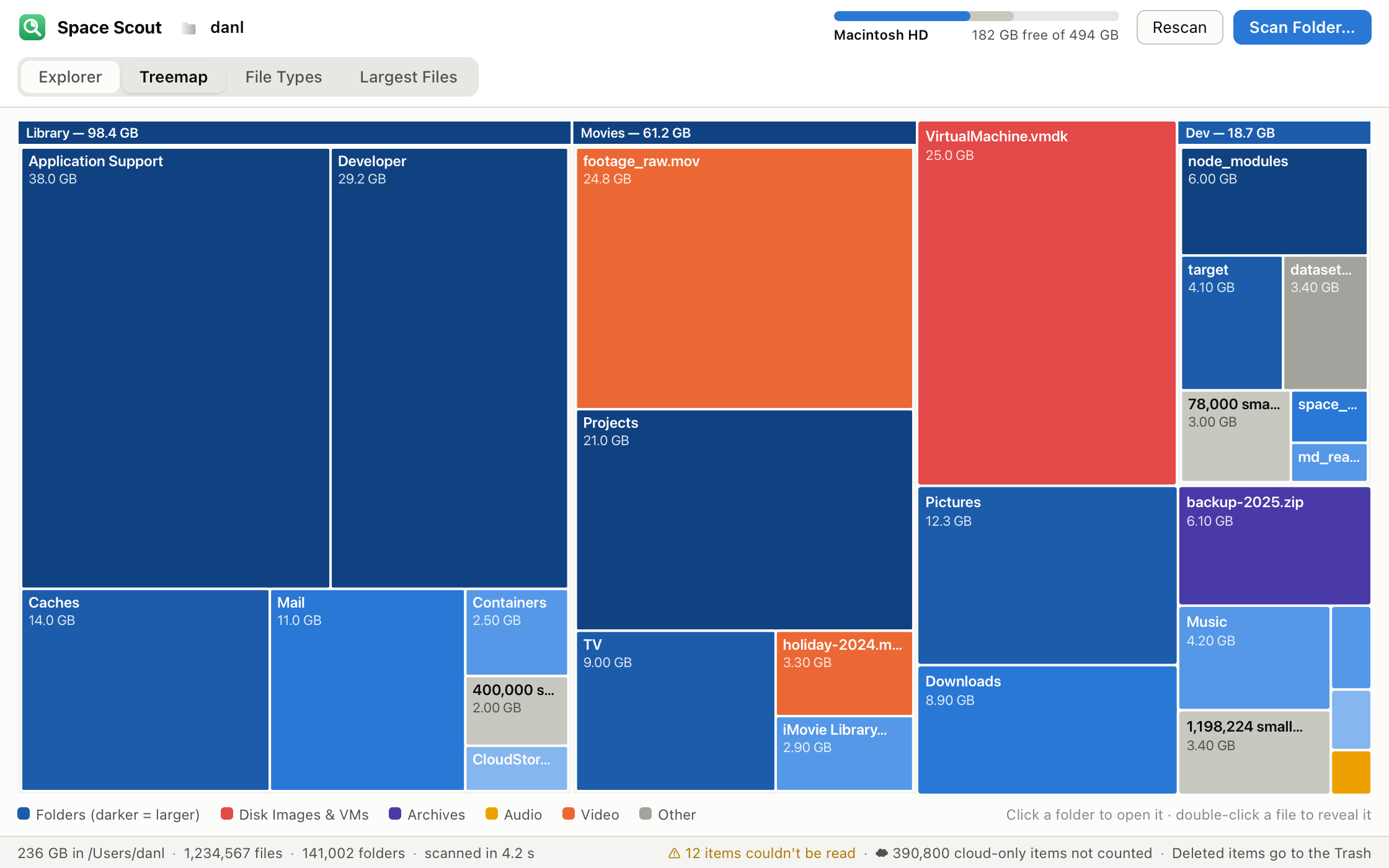
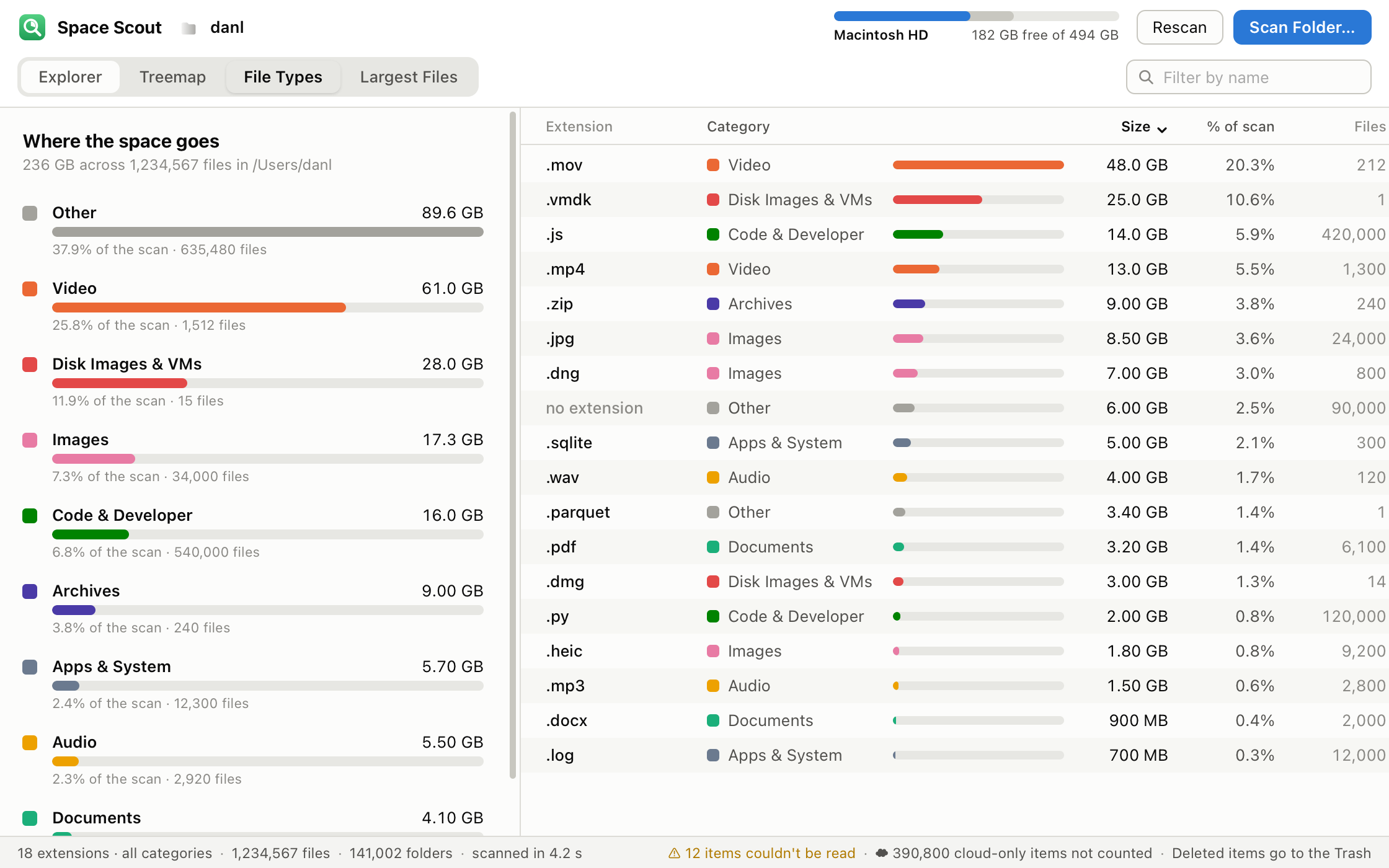
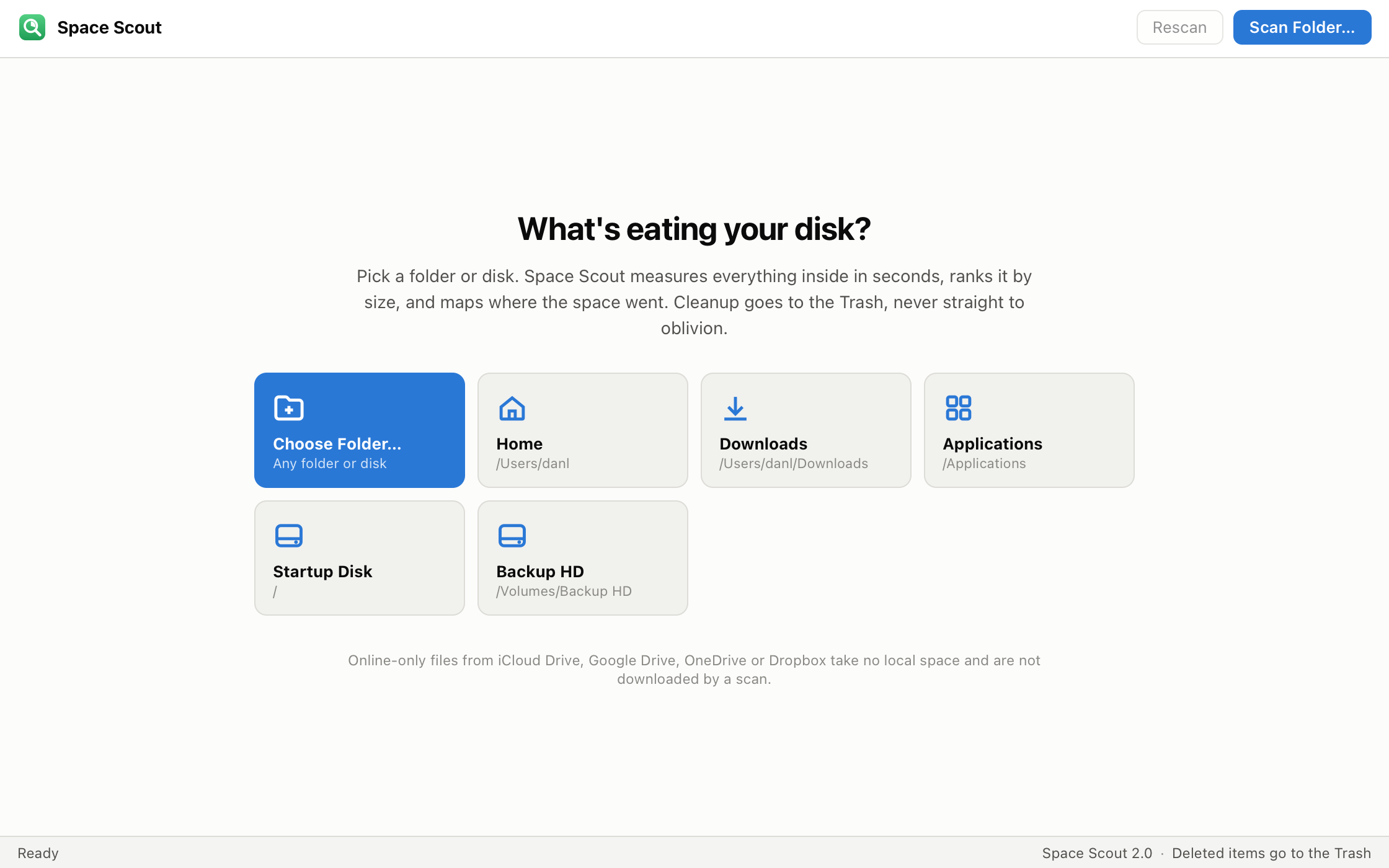
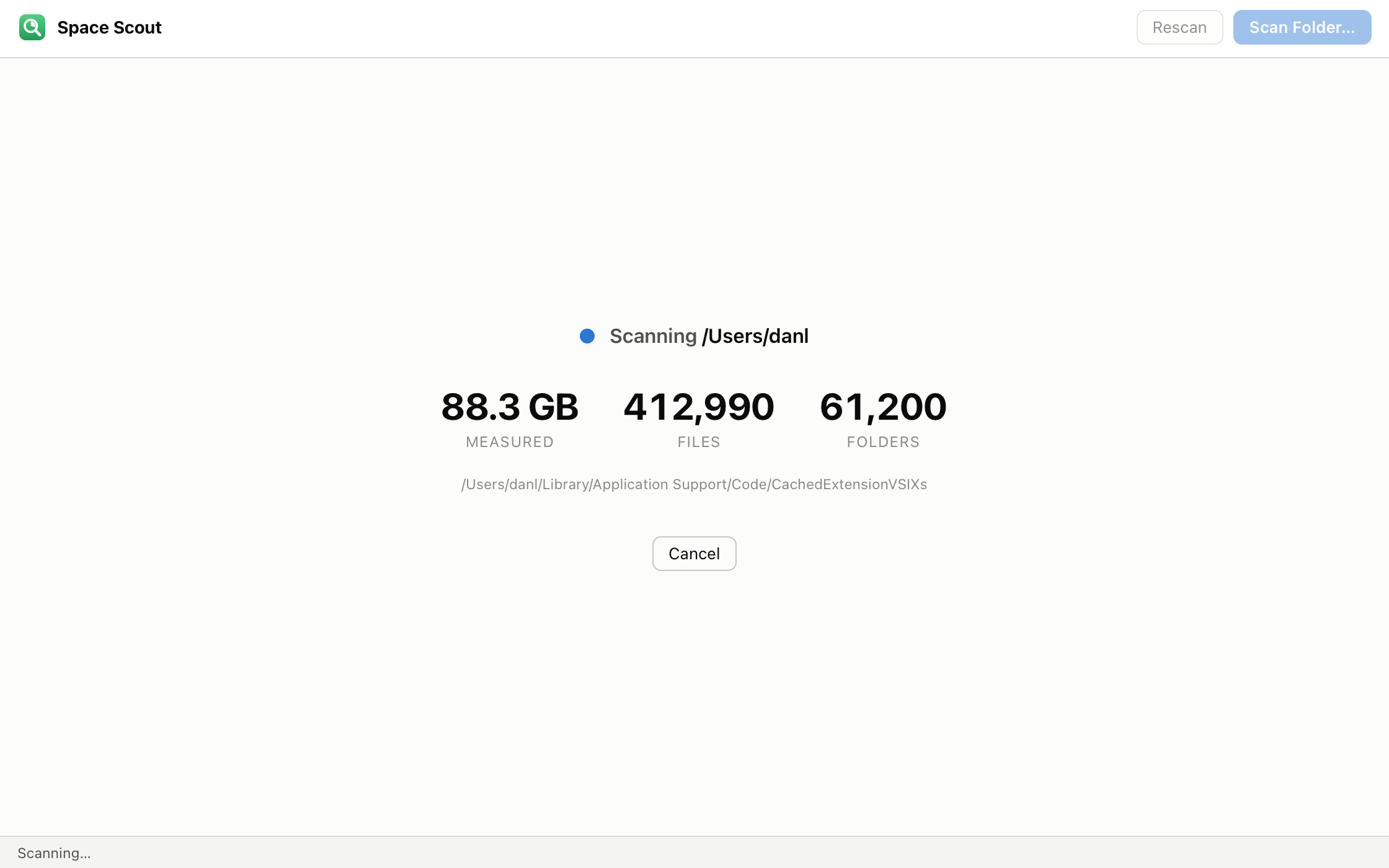
A simple, free app that finds what's eating your disk space — on macOS and Windows. Scan any folder or drive, see every file and folder ranked by size, and clean up the space hogs safely. No accounts, no sign-in, no clutter.

What It Does

Find the space hogs.

A focused little app that does one thing well: shows you exactly where your disk space went — and helps you take it back.

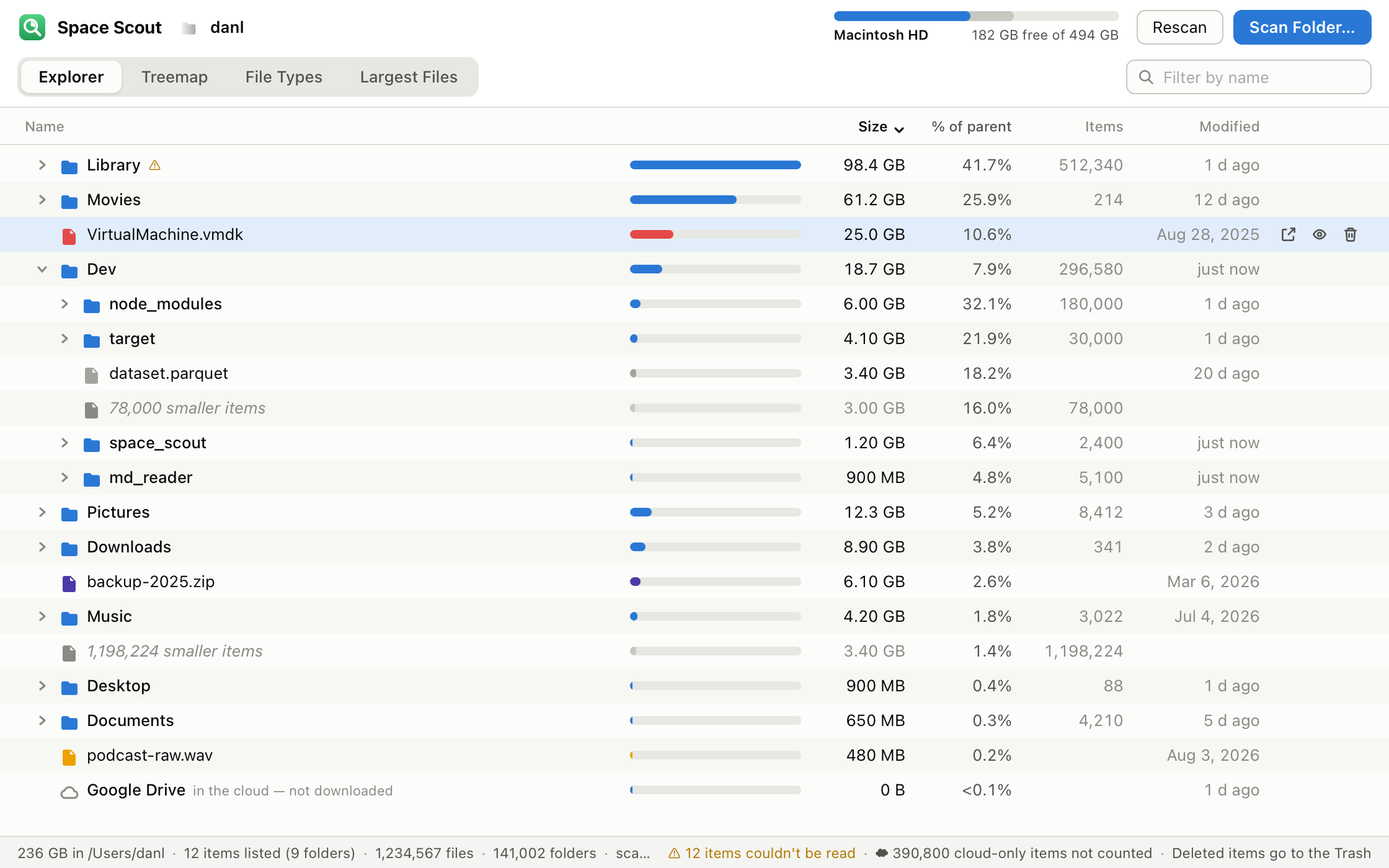
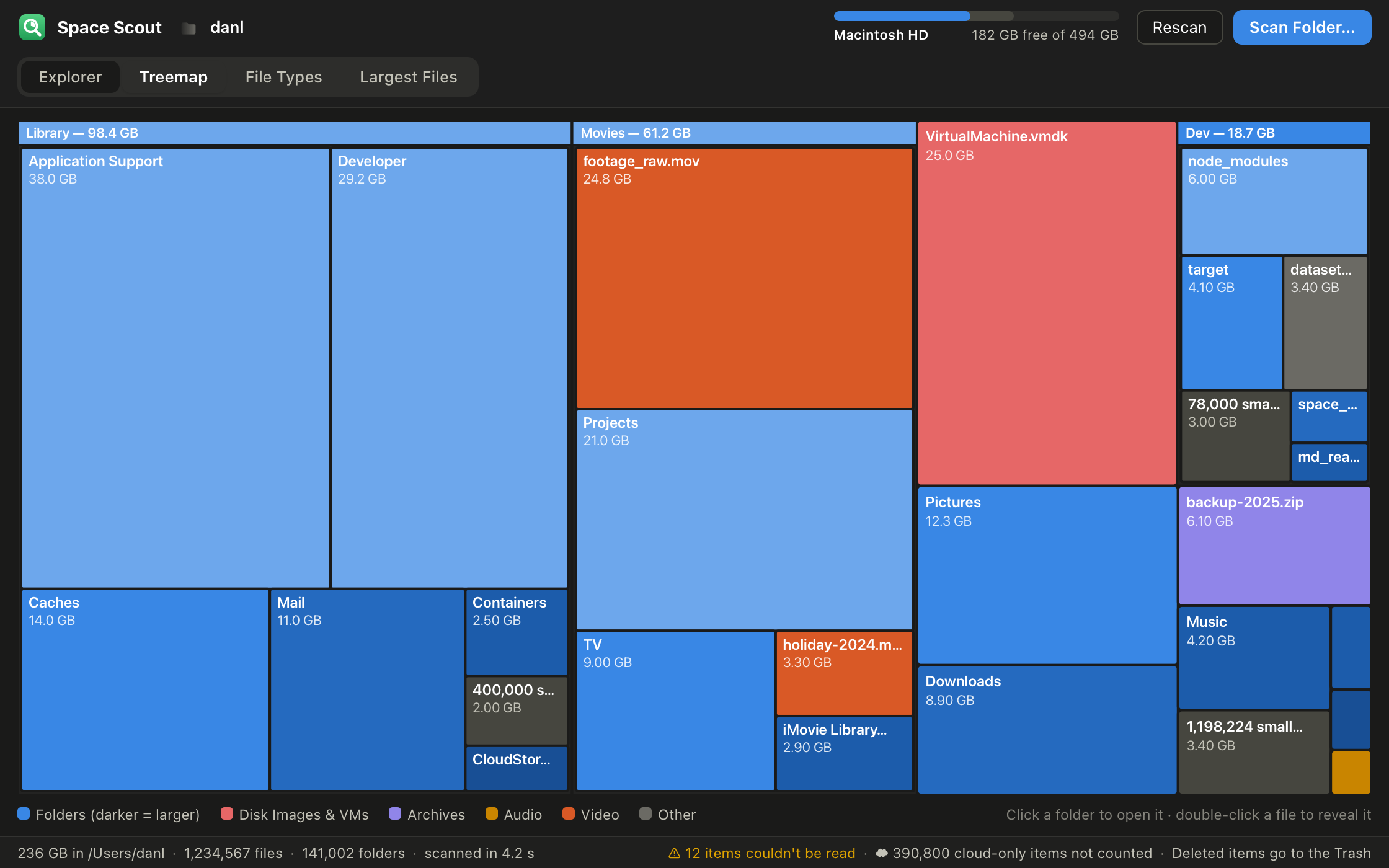
Everything ranked by size

Scan any folder or drive. The Folders tab shows everything largest-first with size bars — click to drill in, use the breadcrumb trail to climb back out.

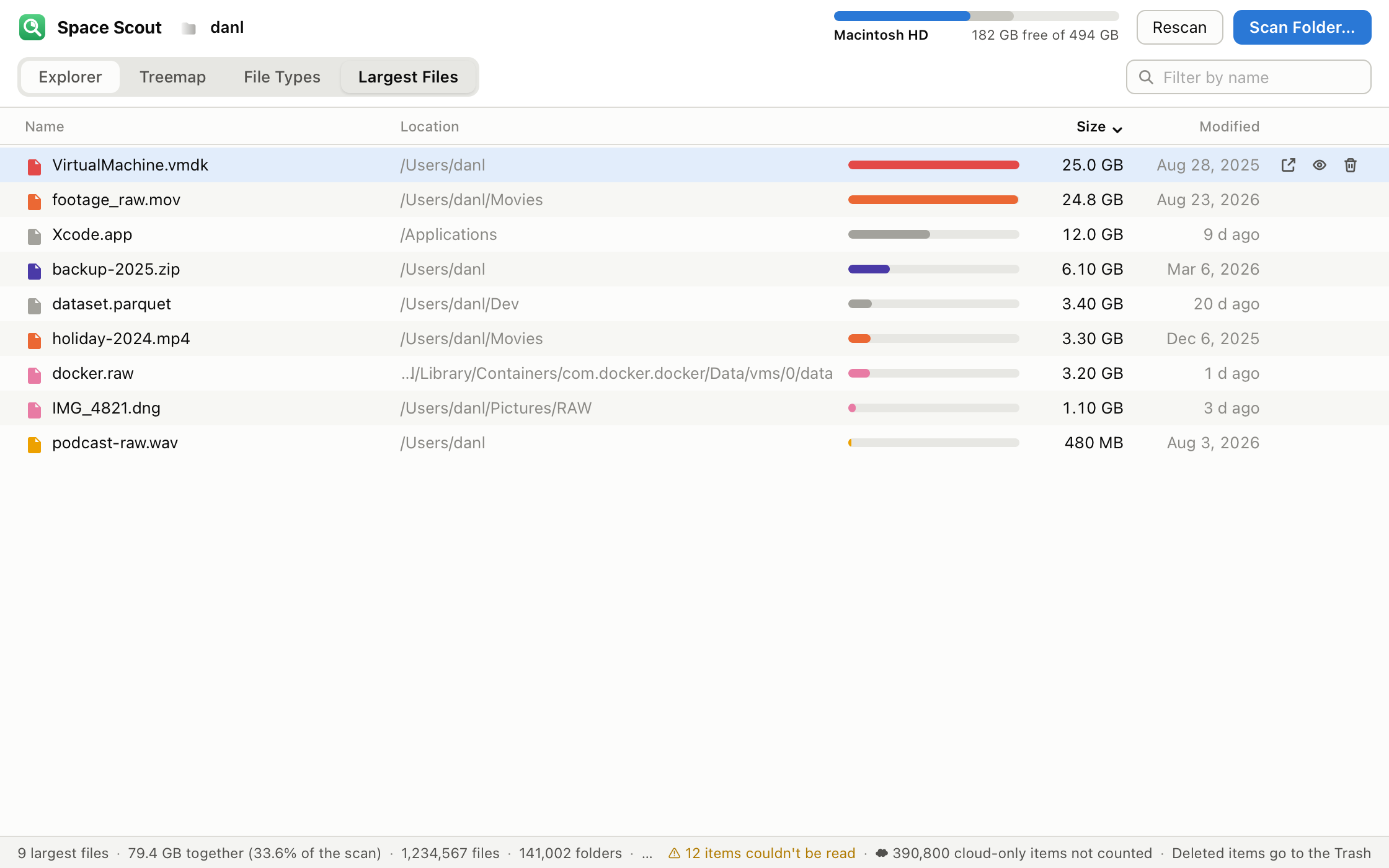
Largest Files view

The Largest Files tab surfaces the biggest individual files found anywhere in the scan, with their exact locations — the fastest wins are usually hiding there.

Clean up safely

Reveal anything in Finder or File Explorer, or Trash it with a confirmation. Nothing is deleted permanently — items only move to the Trash / Recycle Bin, so you can restore anything until you empty it.

Free, no signup

Download and use it on as many machines as you like, forever. No account, no license key, no trial timer, no upsell.

Installing on macOS

  1. Download and double-click SpaceScout-1.0.dmg, then drag the Space Scout icon onto your Applications folder.
  2. First launch: because it's a free app from outside the Mac App Store, right‑click Space Scout in Applications and choose Open. If macOS still blocks it, go to System Settings › Privacy & Security and click Open Anyway. You only do this once.
  3. Permissions: macOS may ask permission for folders like Desktop, Documents, and Downloads — allow them so their sizes can be counted. For a complete scan of the whole disk, grant Space Scout Full Disk Access in System Settings › Privacy & Security.

Requires macOS.

Installing on Windows

  1. Download and unzip SpaceScout-1.0-Windows.zip, then move SpaceScout.exe wherever you like to keep it — there's no installer, nothing else to set up.
  2. First launch: Windows SmartScreen may show a “Windows protected your PC” message for a small free app. Click More info, then Run anyway. You only do this once.

Requires Windows 10 or 11.

License

Space Scout is free for both personal and commercial use, on any number of your machines, forever. Please don't sell, redistribute, repackage, or modify it — just point people to this download page.

Provided “as is,” without warranty of any kind. Always double-check before deleting files — you are responsible for what you remove. Space Scout only ever moves items to the Trash / Recycle Bin, so deletions can be undone until you empty it. Full terms are included in the LICENSE.txt inside the download. © 2026 Sorted Solution. All rights reserved.

Space Scout is built by Sorted Solution — an IT consulting and managed services firm for small and mid-size businesses. If your business needs reliable infrastructure, cloud support, or security guidance, we'd love to talk.

Learn what we do →

Ready to get sorted?

Tell us what you're trying to win. We'll be straight about whether we're the right fit — and what we'd do if we are. (Yes, really.)