Cella PDF 1.4
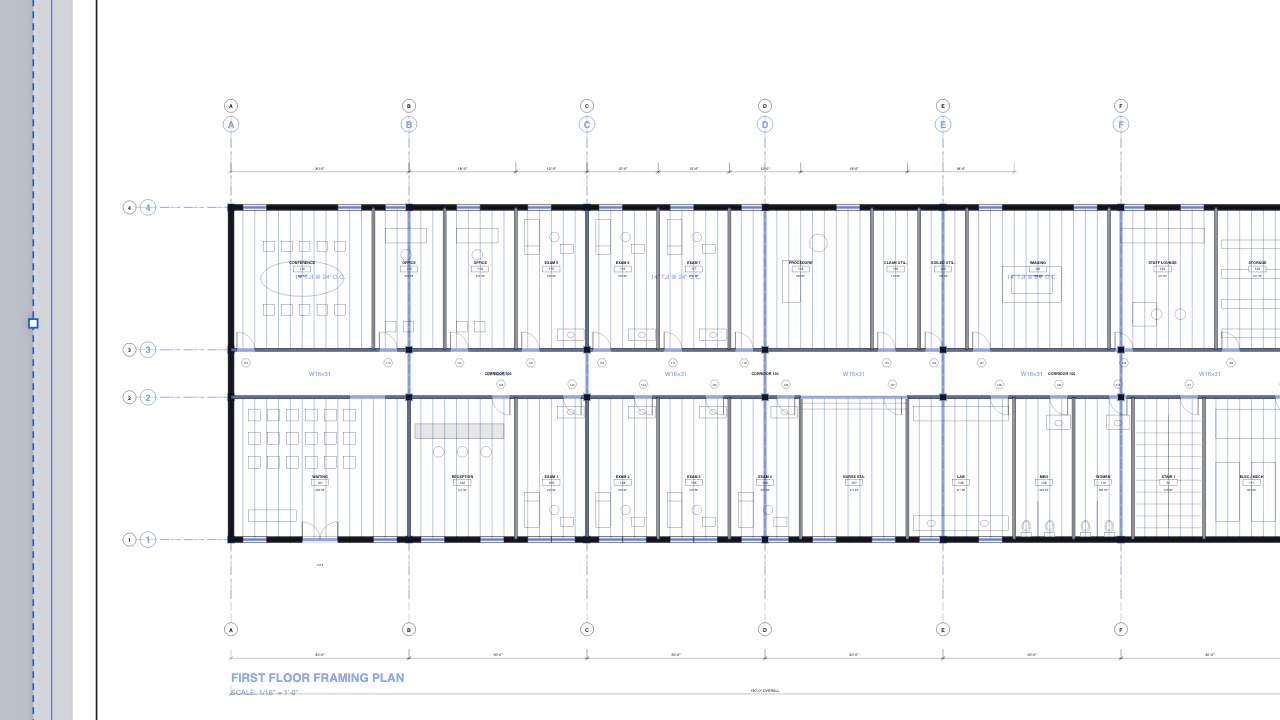
17 videos- Rasterize Sheets. File ▸ File Tools ▸ Rasterize Sheets… turns sheets with very dense linework and fills into a picture, so they open and pan at once in any viewer. Choose the sheets, the whole sheet or a region you drag, and 150, 300 or 600 dpi; text stays searchable and markups stay live. It saves a copy unless you choose to replace the sheets. Watch 0:13
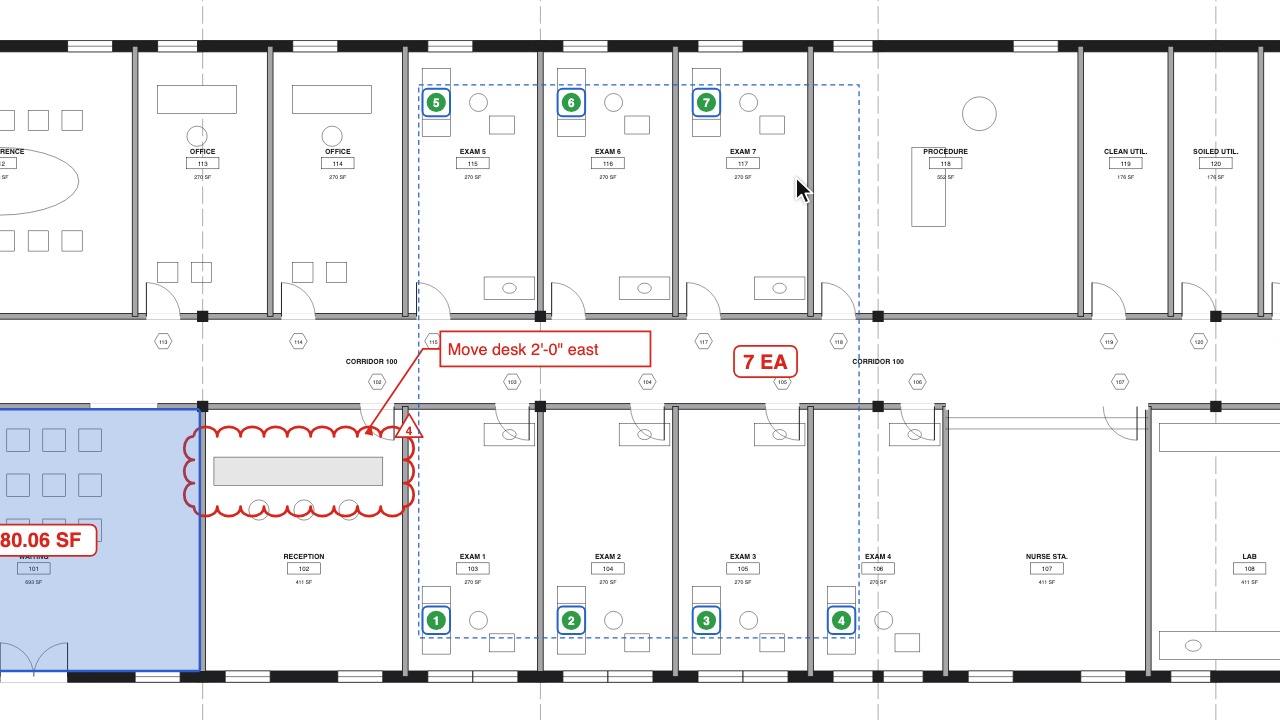
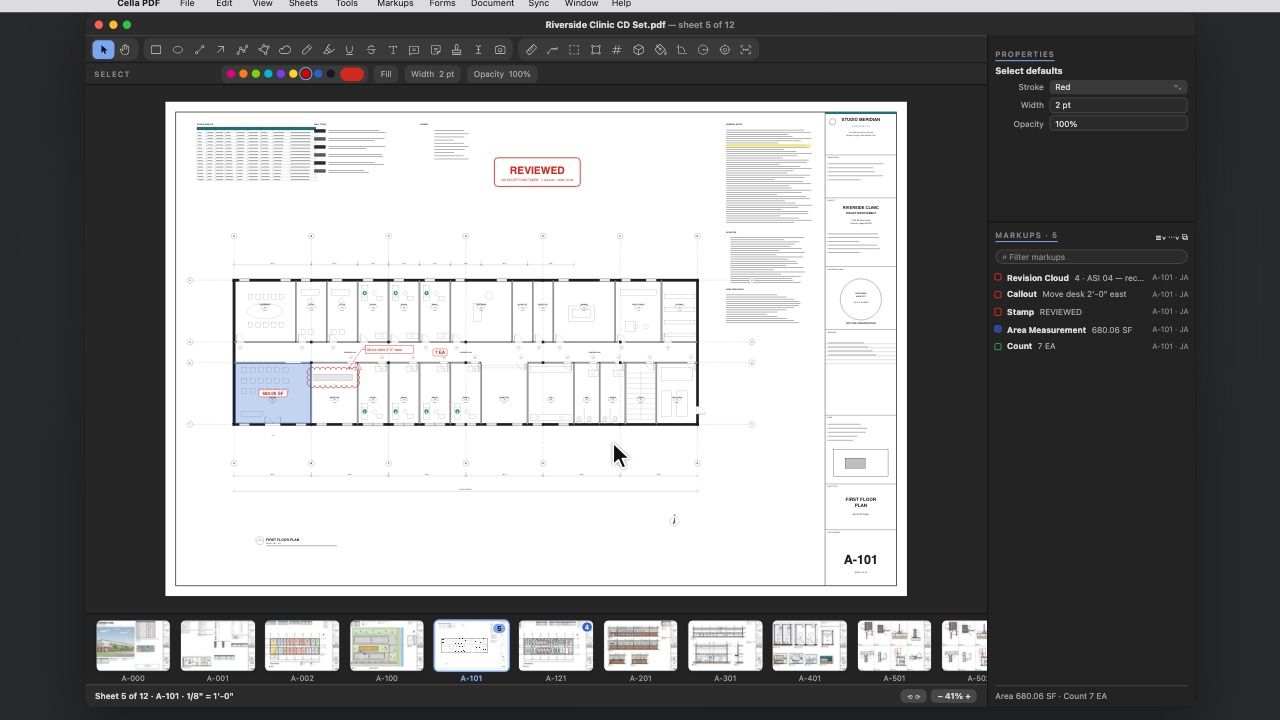
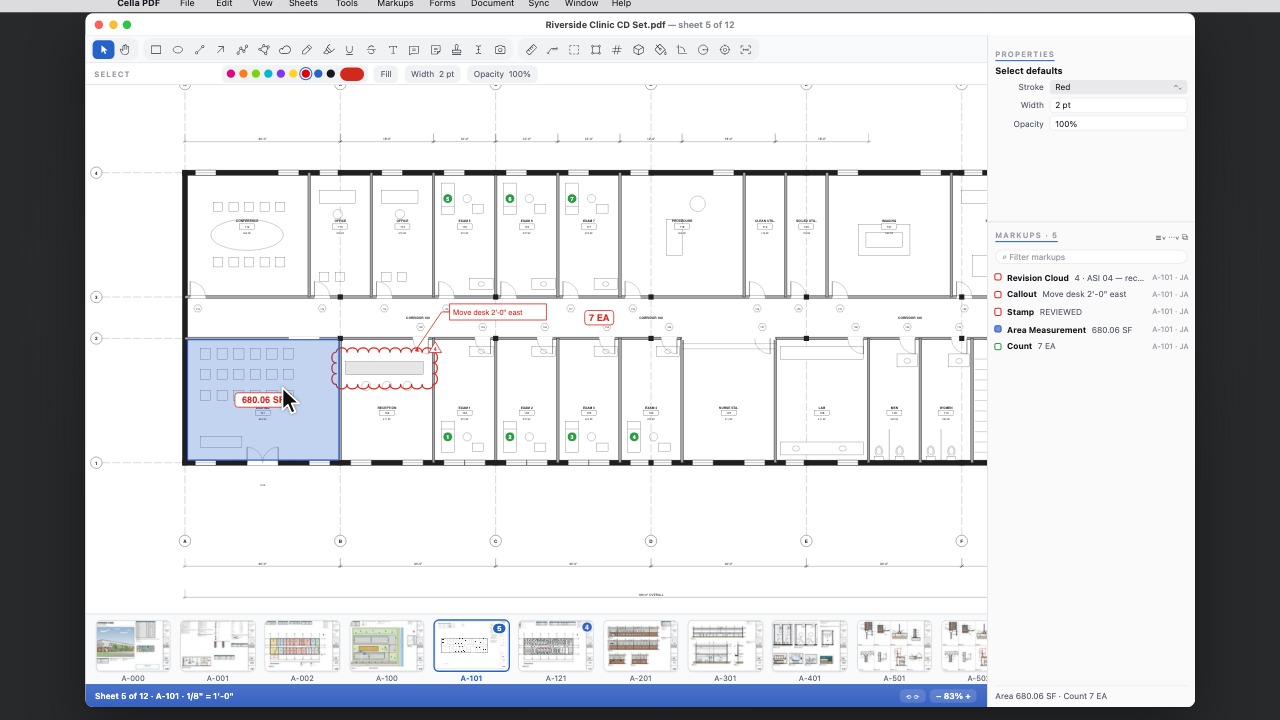
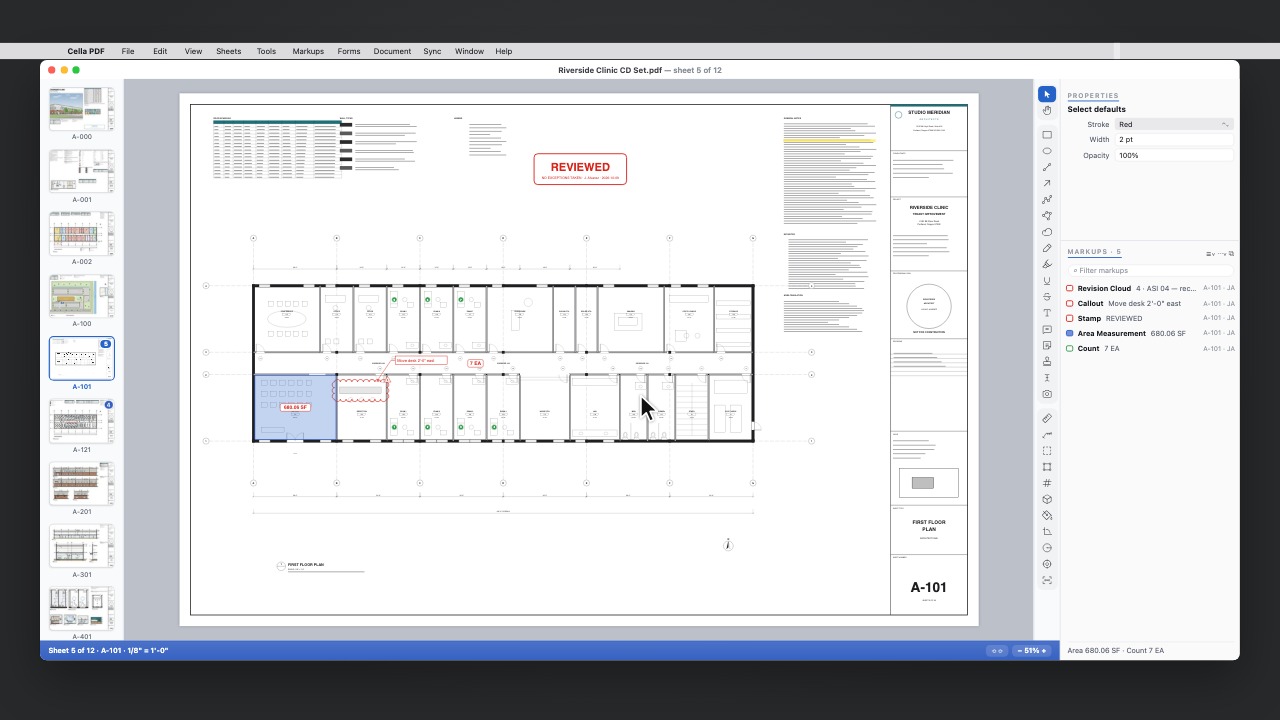
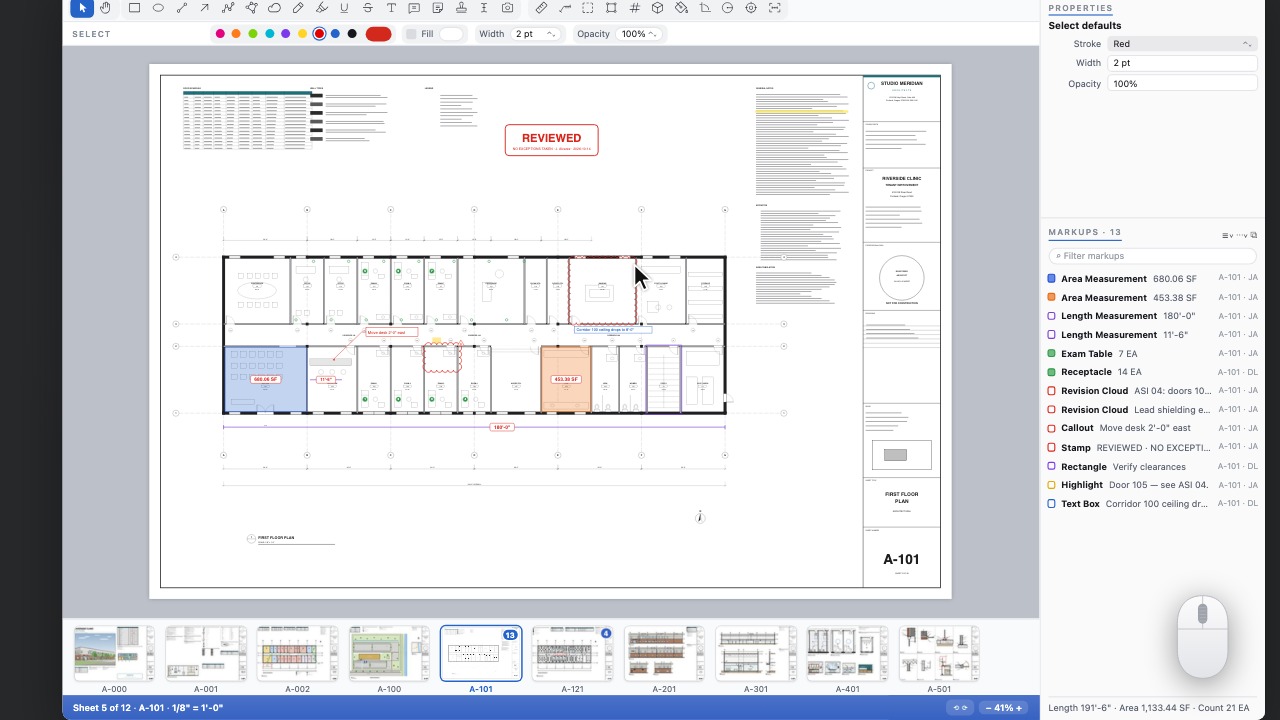
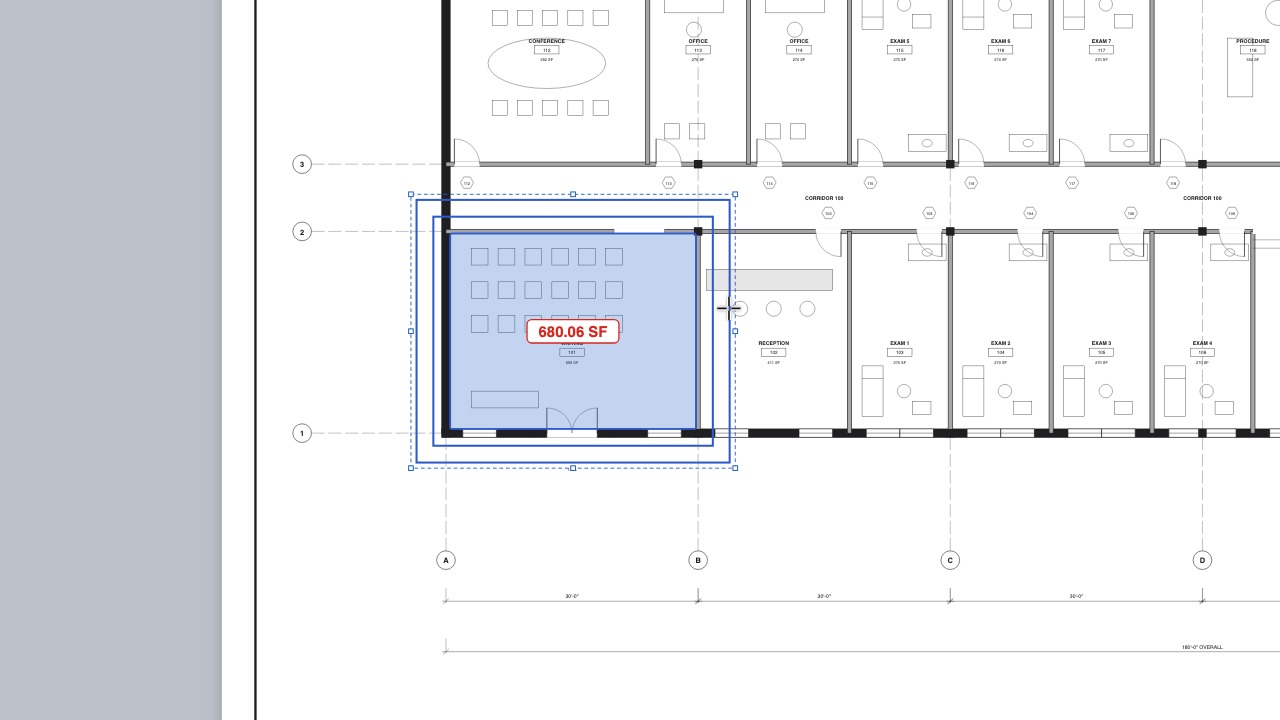
- Move a measurement's value. Drag the value of an area, perimeter, length, angle, radius, volume or count anywhere, even outside the shape; a thin leader shows what it measures, and Reset Label Position puts it back. Watch 0:09
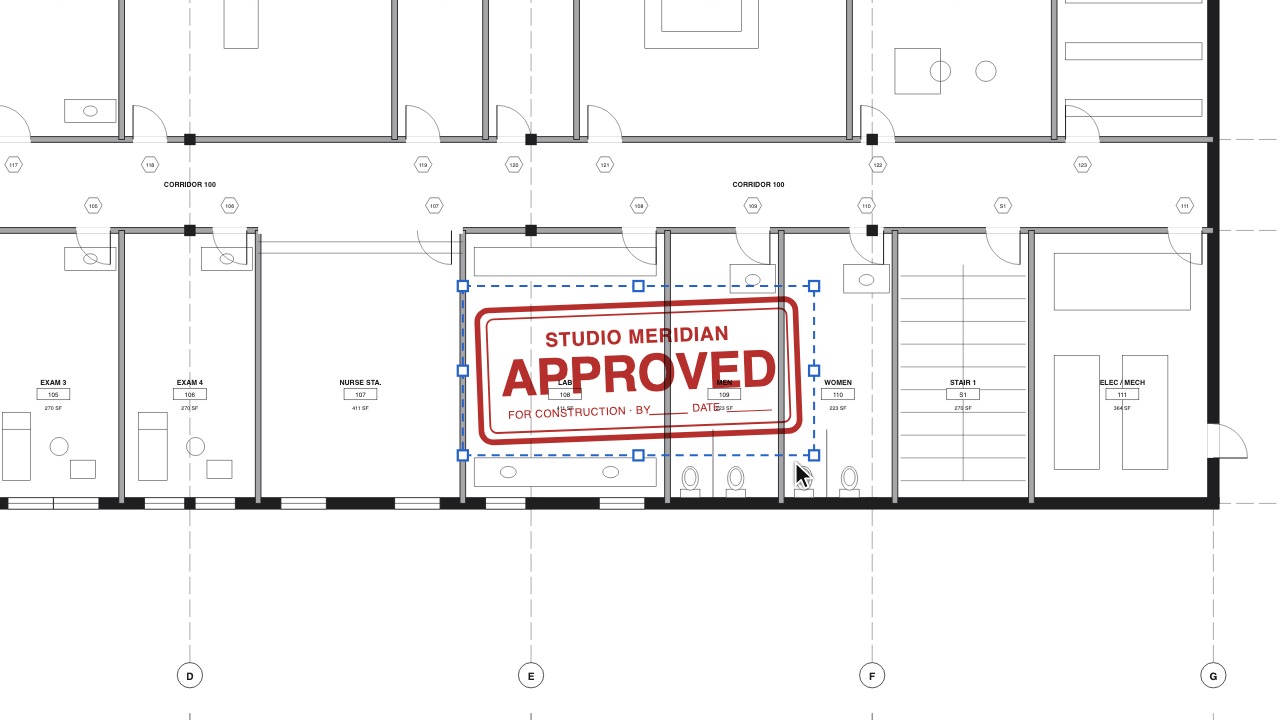
- Choose your stamp while you work. With the Stamp tool on, pick the stamp to place from the bar under the toolbar, or press [ and ] to step through your stamps. Watch 0:11
- Bold, Italic and Underline keys. ⌘B, ⌘I and ⌘U (Ctrl+B, Ctrl+I and Ctrl+U on Windows and Linux) for text boxes and callouts, while you type or with them selected, and underline and strikethrough as text styles that other PDF apps show too. Watch 0:10
- Eraser modes. Whole Markup erases any markup the eraser touches; Part of Stroke trims just the part of a pen or highlighter stroke you pass over; Size sets how wide it is. Watch 0:10
- A freehand Highlighter. It draws like a highlighter pen in open areas, follows the words when you start on text, and lets the drawing show through. Watch 0:10
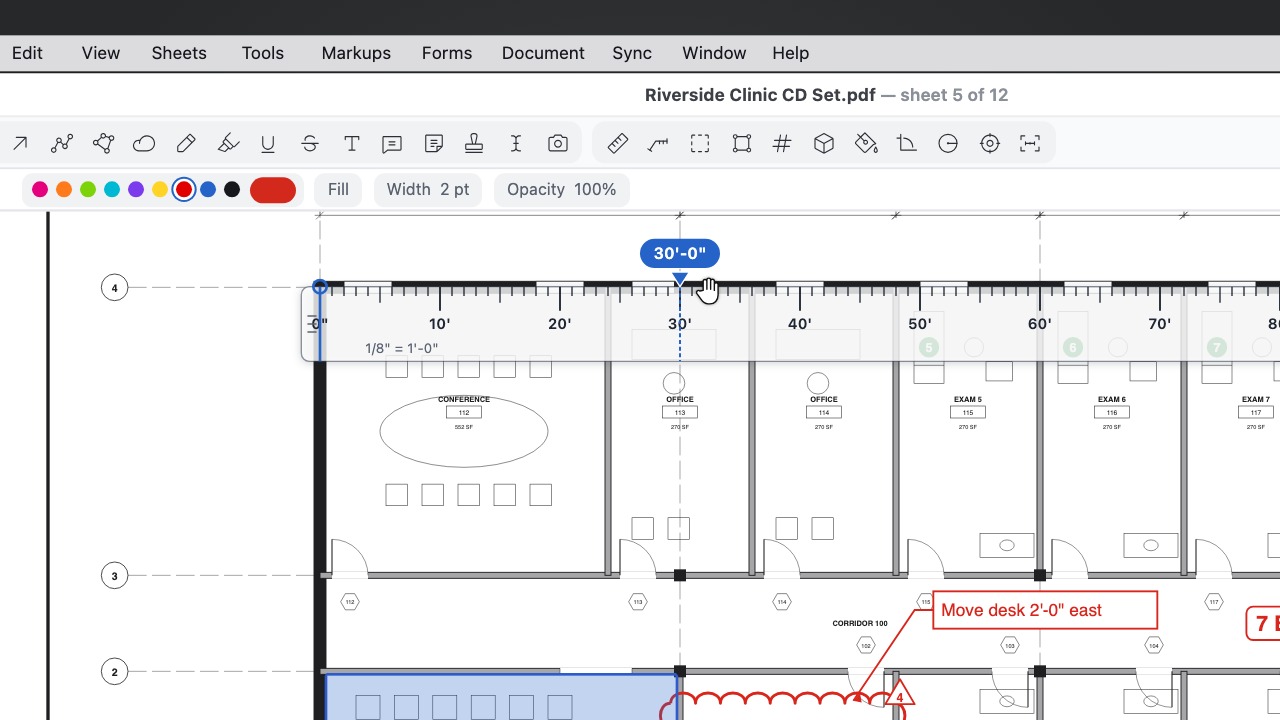
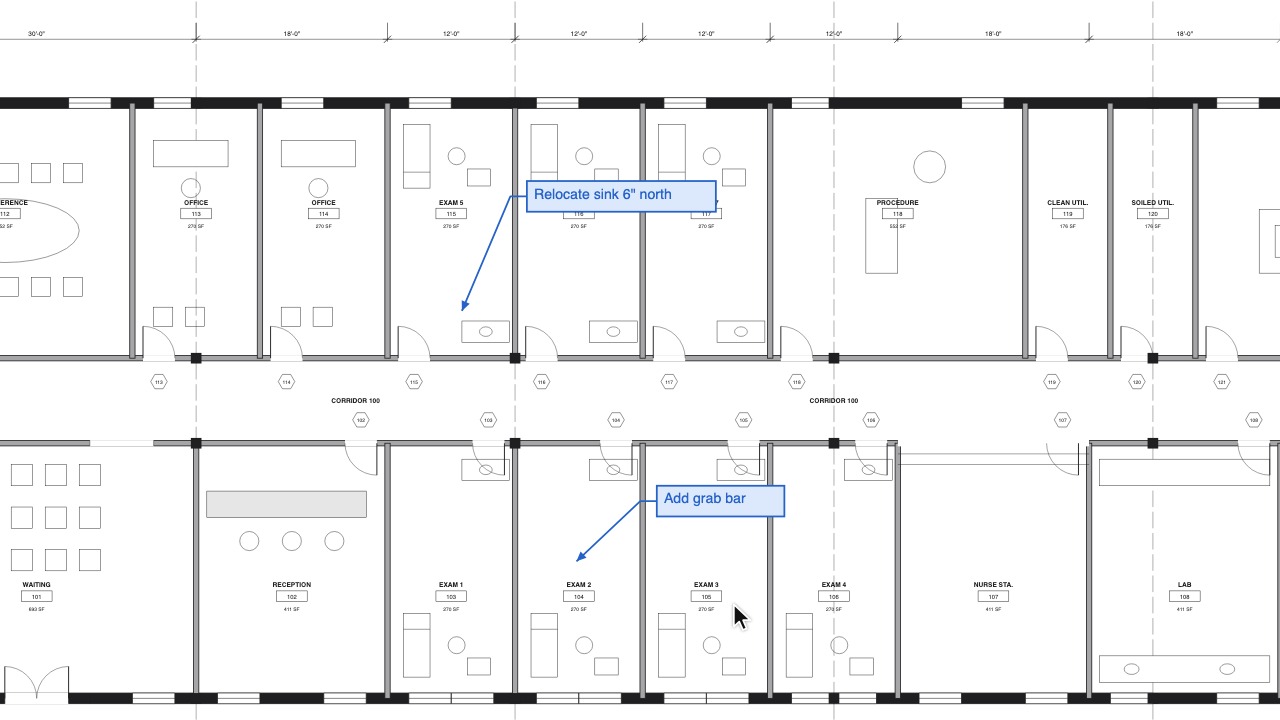
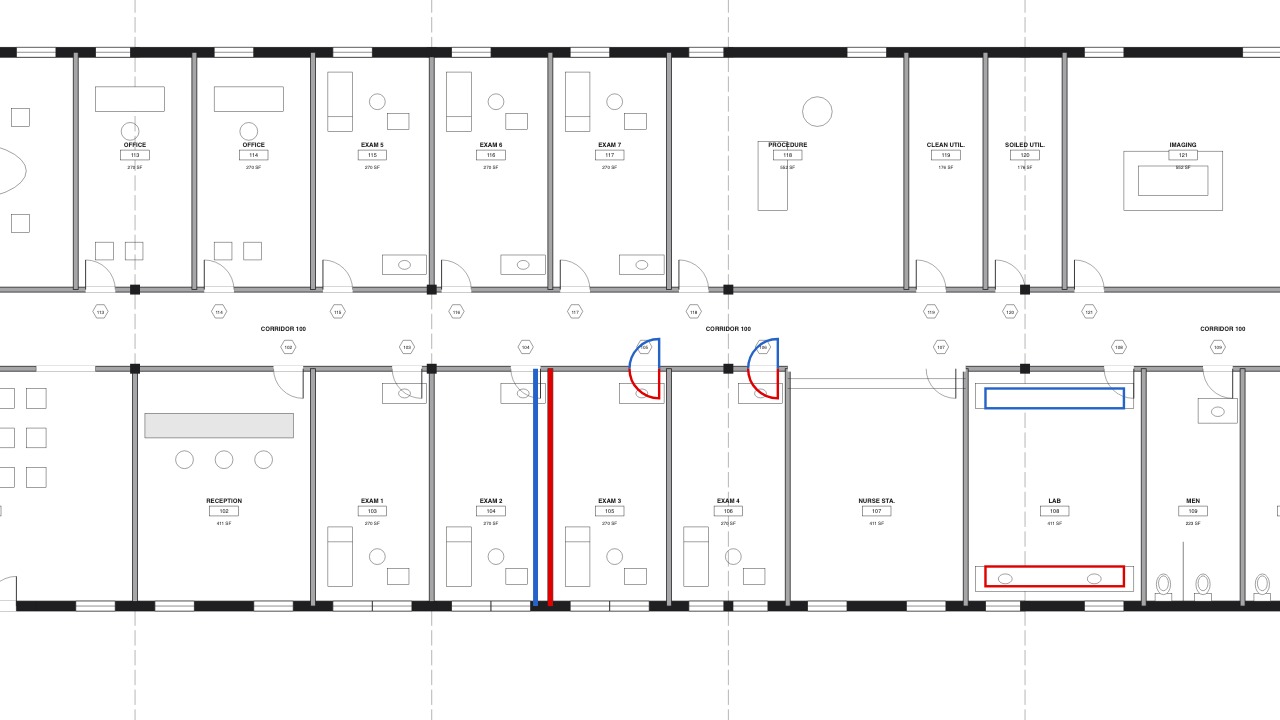
- Constrain to Ruler. With the Scale Ruler's Constrain on, Pen and line strokes stay parallel or square to the ruler anywhere on the sheet. Stretch the ruler by an end, double-click to turn it 90°, triple-click to reverse it; its marker snaps to round numbers and to the drawing. Watch 0:13
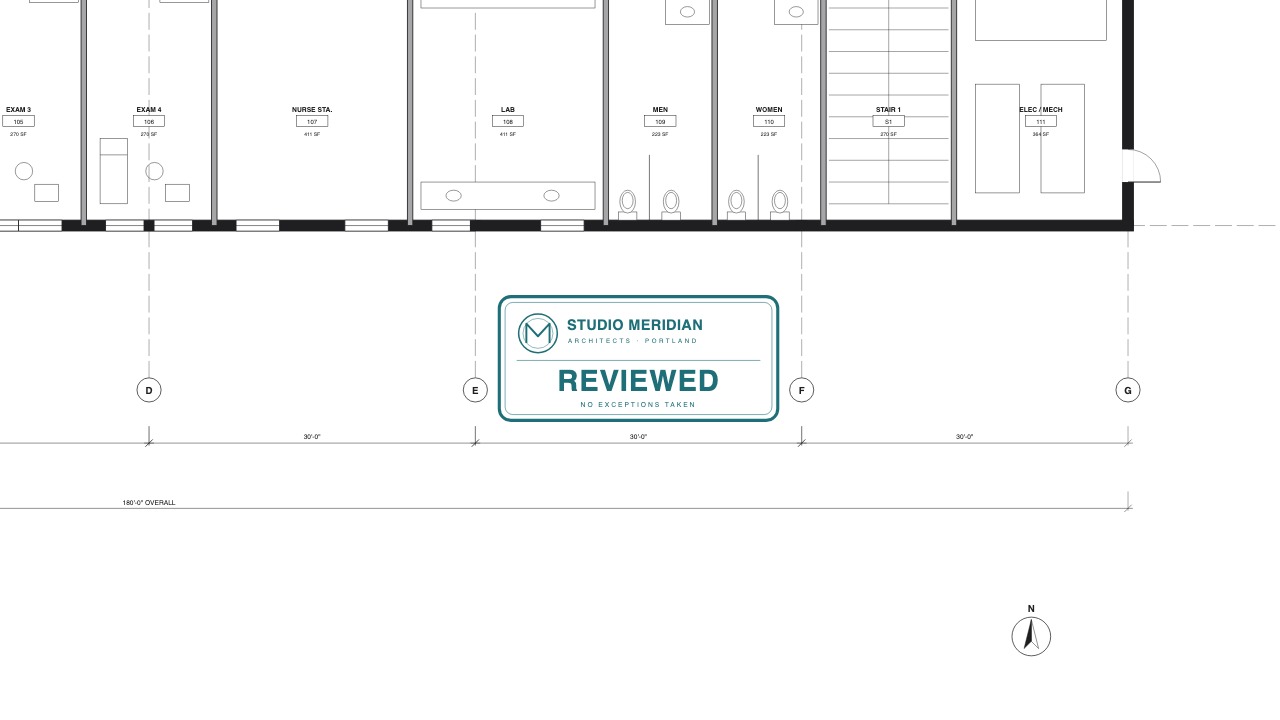
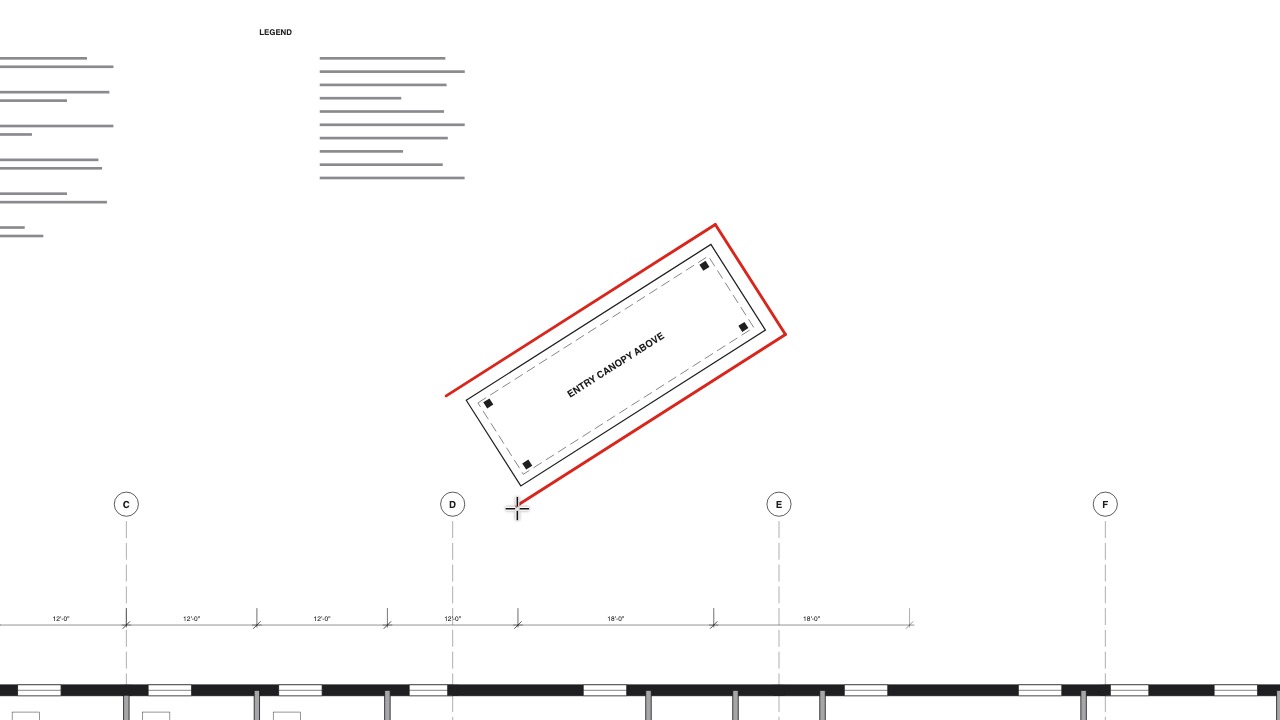
- Snapshot to the clipboard. Drag round an area and it is copied, drawing and markups, as a sharp picture: click where it goes, or paste it on another sheet, in another document or in any other app. Watch 0:09
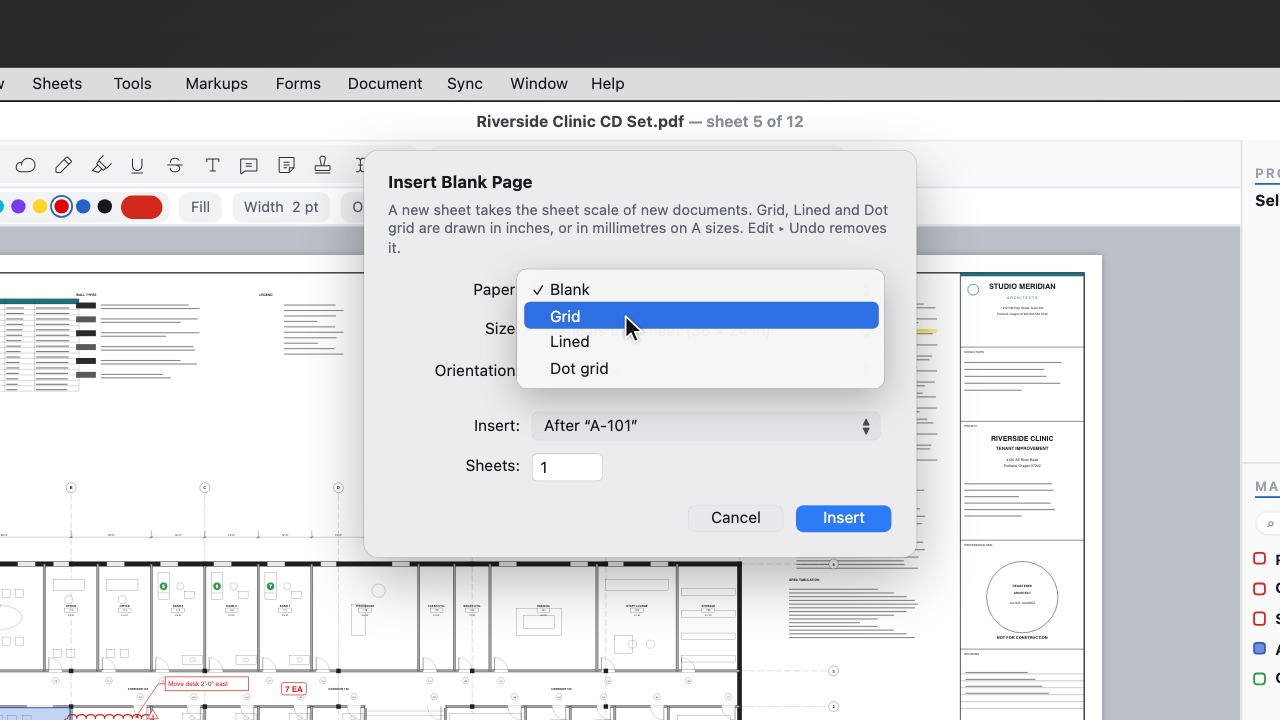
- Another Sheet Like This. Sheets ▸ Another Sheet Like This adds the next sheet of the same letterhead, form or graph paper, without its markups. Watch 0:08
- Triangle and Protractor. A set square and a protractor over the drawing beside the Scale Ruler: draw along their edges, slide the triangle along the ruler for parallel and square lines, and read or set angles with the protractor's arm. Watch 0:13
- Pen types. Technical Pen, Fineliner, Pencil, Marker, Charcoal and Brush Pen, each remembering its own width, colour and opacity; saved PDFs look the same in any app. Watch 0:13
- Stencils. 88 ready-made people, trees, furniture, fixtures, doors, cars and drafting symbols that land at their real size in the sheet's scale, and your own selection saved as a stencil to share with the office. Watch 0:13
- Hatches. Brick, Concrete, Insulation, Crosshatch and fifteen more patterns beside the fill, with scale, angle, colour and weight; materials come out at their real size on a scaled sheet. Watch 0:11
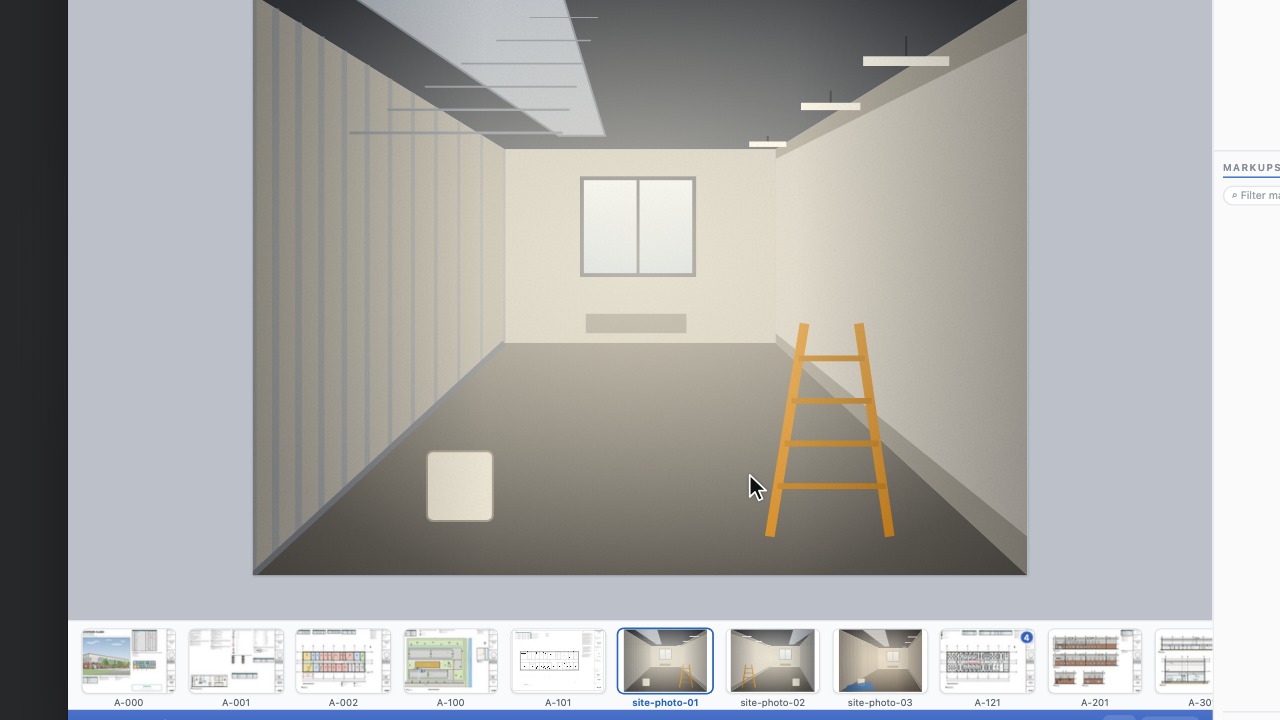
- Photos on a markup. Attach photos to any note, callout, cloud or measurement; a camera badge shows how many, and the photos travel inside the PDF. Watch 0:11
- Site Items and the Site Report. Site Item pins the next numbered item and takes its photos, note and status in one step; Site Report turns the items into a numbered report with each item's place on the sheet, its photos and its status. Watch 0:14
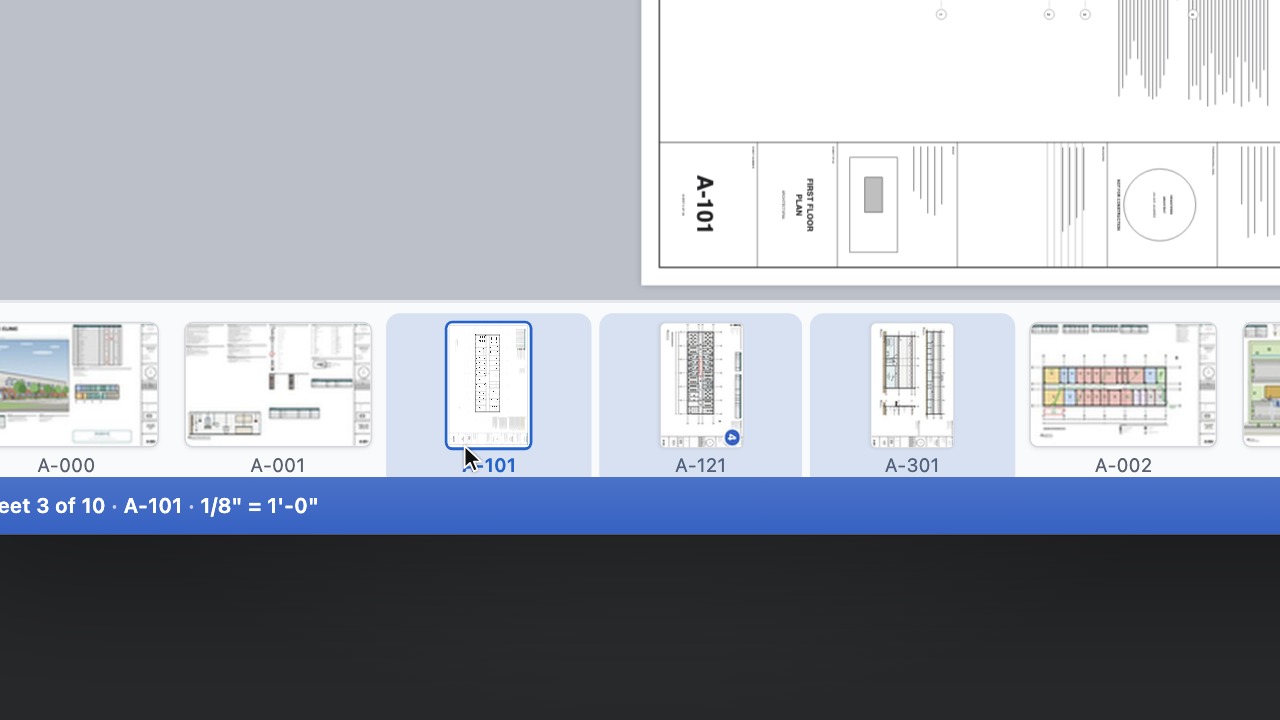
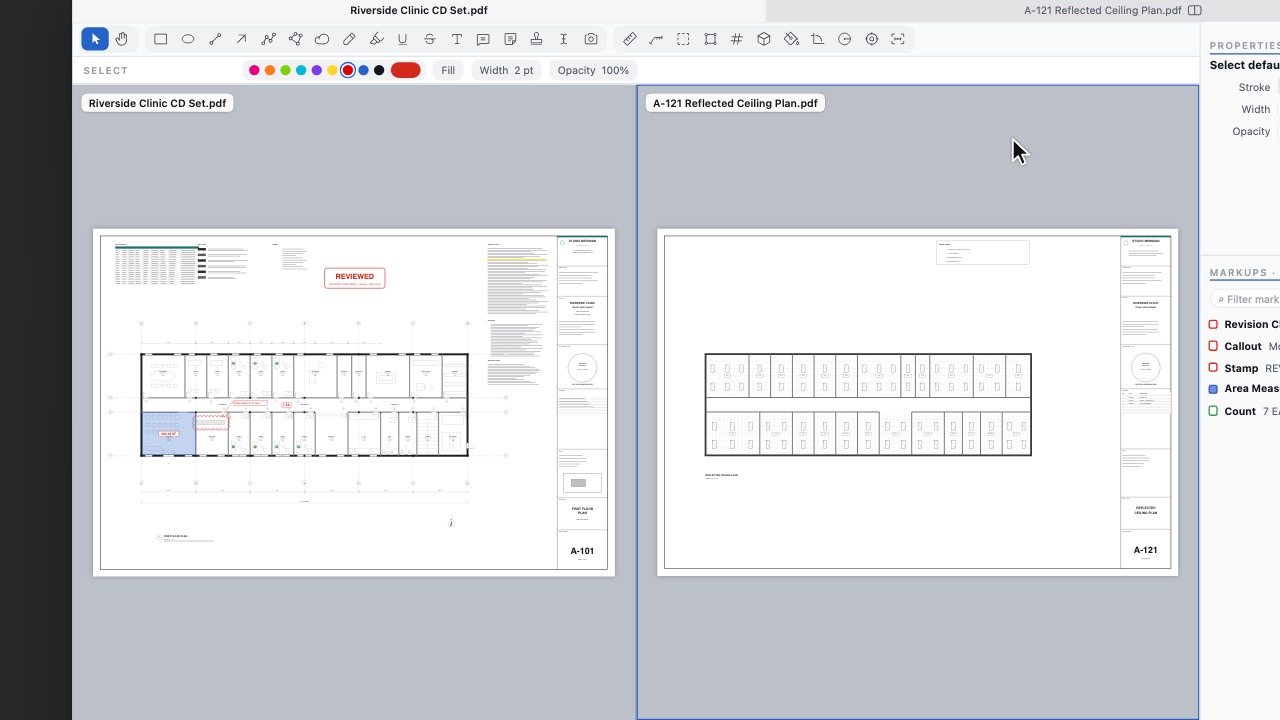
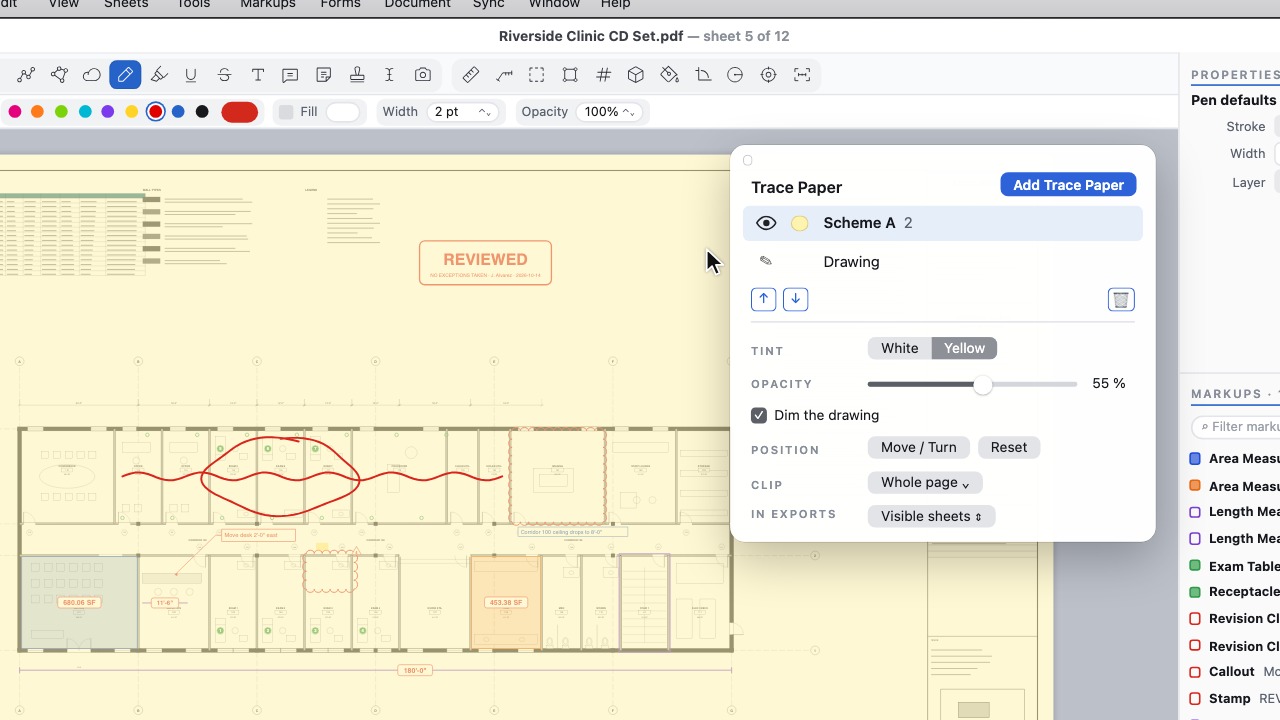
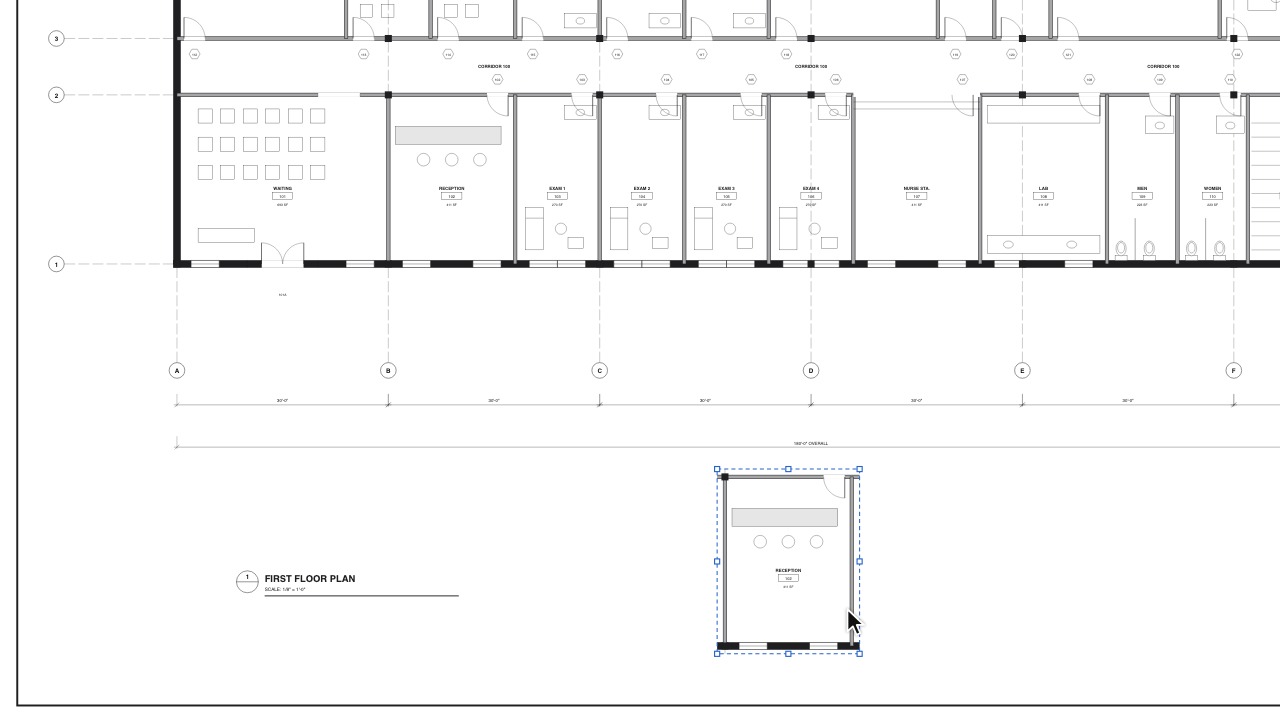
- Trace Paper sheets. Merge sheets, duplicate them, copy or move them to other pages and documents at real size, lock them, show one alone, and export a sheet as its own PDF. Watch 0:14
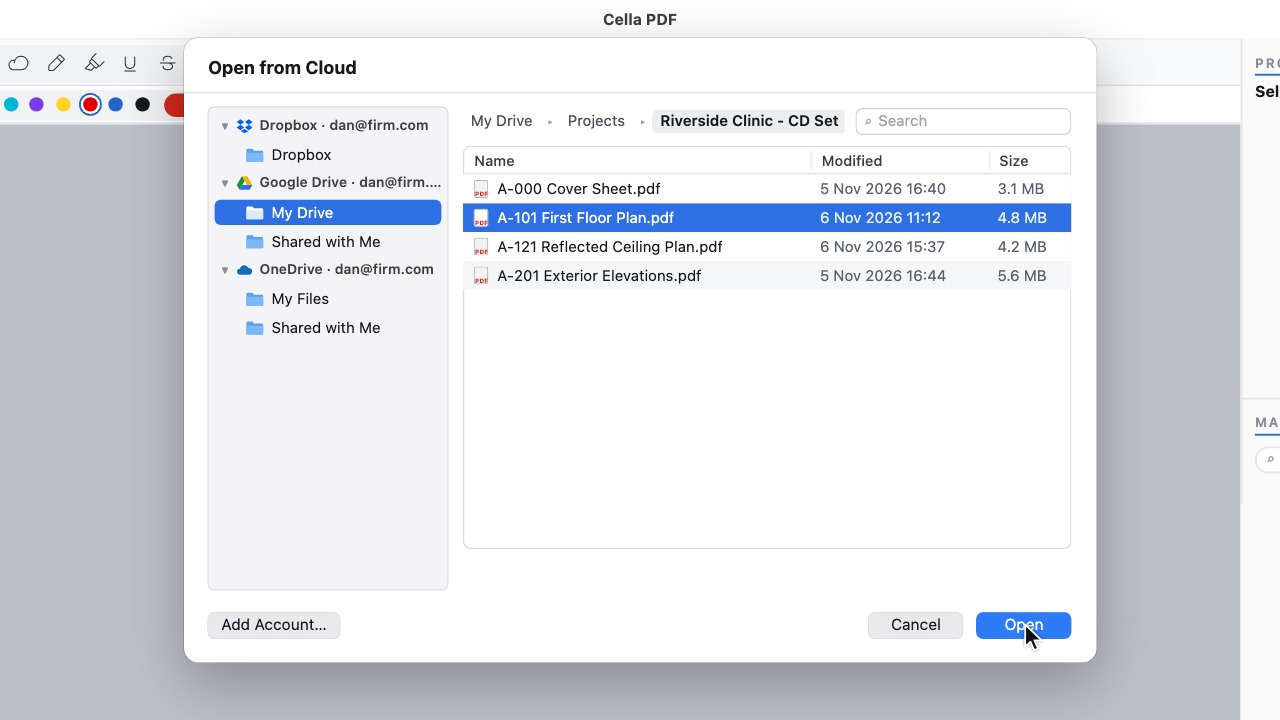
- Take the Tour. Seven quick steps on the sample sheet show how to open a set, mark up, measure and find any command, with one-line tips the first time they help. Watch 0:14
- A loupe for touch screens. A loupe above your finger shows the point you are placing, magnified, with its snap; where markups overlap, a tap offers the others.
 Rasterize Sheets
 Move a measurement's value
 Choose your stamp while you work
 Bold, Italic and Underline keys
 Eraser modes
 A freehand Highlighter
 Constrain to Ruler
 Snapshot to the clipboard
 Another Sheet Like This
 Triangle and Protractor
 Pen types
 Stencils
 Hatches
 Photos on a markup
 Site Items and the Site Report
 Trace Paper sheets
 Take the Tour